
















Shopify ERP and API Integration
When a store and its back-office systems disagree on stock, prices or order status, manual corrections follow. We plan and build integrations between Shopify, ERP, PIM, CRM and logistics systems with clear data ownership and traceable error handling.
Start with a specific business process
The first question is which workflow needs to be reliable: updating store inventory, handing orders to the ERP or returning shipment information. We map triggers, data, required freshness and exceptions. This produces a bounded data flow. An available API is a starting point, not a complete integration plan.
Agree which system owns each decision
Together we identify the source of truth for products, prices, inventory, customers and orders. Unique identifiers, field mappings, multiple warehouses, partial quantities and rules for changes all matter. Cancellations, refunds and returns are considered separate workflows. Your operational team approves the rules; technical tests check that data arrives in the correct system and state.
A connector, middleware or a custom app?
We first assess whether an existing integration covers the required workflow and can be operated effectively. Custom development makes sense when business rules or data models differ. The choice considers maintenance, ongoing costs, monitoring and your team’s responsibilities. Existing integration platforms are included in the assessment.
Make failures visible and retries safe
APIs can become unavailable, messages can arrive more than once and records can be incomplete. We plan retries, protection against duplicate processing and traceable error logs. Ambiguous business cases need an owner and a defined correction process. Regular reconciliation between systems helps reveal differences that a technically successful API request alone would not expose.
Define delivery, acceptance and operation
The agreed scope may include data-flow diagrams, field mappings, the integration, tests with representative transactions and operating documentation. An estimate requires API documentation, test access, sample data and a contact for each system. Data quality, exceptions and provider approvals influence effort and timing. Responsibility for monitoring, corrections and change approval after launch is explicitly agreed.
ERP integration project examples
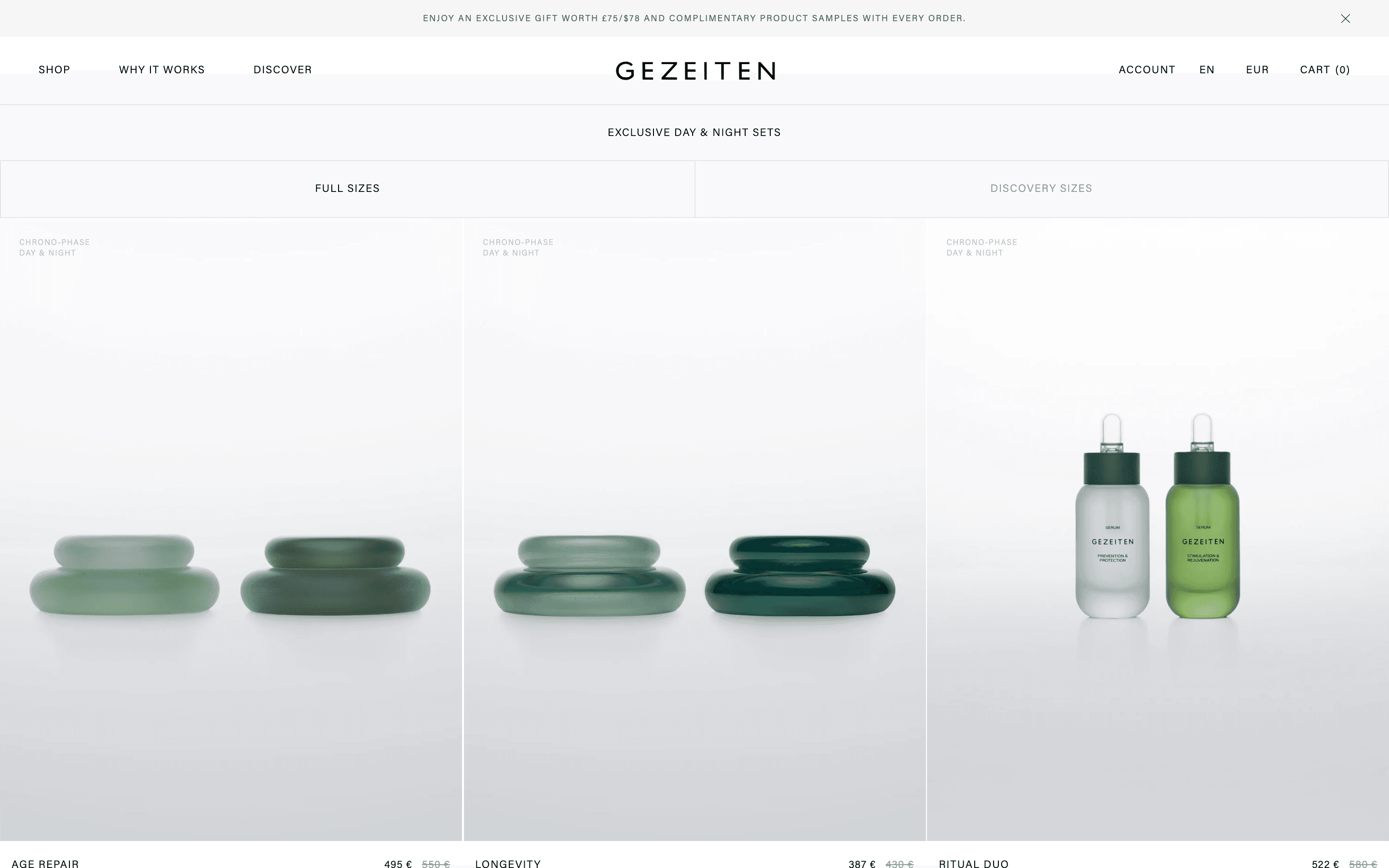
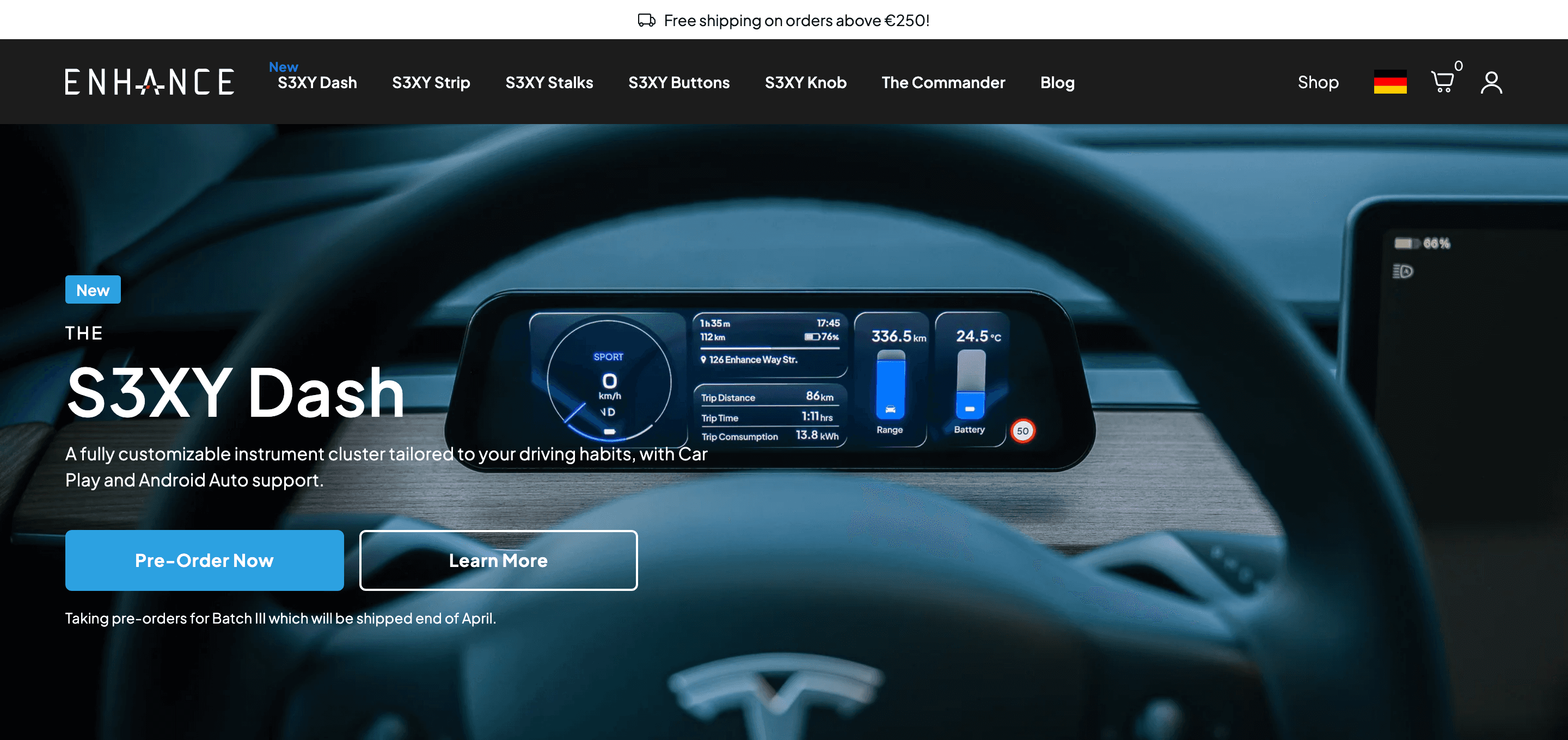
For ON.AE, Gadget connects the MuleSoft ERP to Shopify Plus. The ENHauto Shopify project included a SmartERP integration. The case studies describe each project’s scope.
Frequently Asked Questions
Can every ERP be connected to Shopify?
We assess the specific version and its available APIs, exports or connectors. Permissions, data models and vendor restrictions also matter. A commitment is only useful after those details have been checked.
Does everything need to sync in real time?
No. We define the required freshness for each workflow. Critical inventory may need different handling from product copy or reporting data. Frequency, data volume and API limits need to fit together.
What happens during an outage?
For agreed failure cases we plan logging, retries and notification. Not every business discrepancy can be resolved automatically, so the operating plan also needs ownership, a correction process and subsequent reconciliation.
Connect your systems
Tell us which systems are involved and which workflow is currently manual or unreliable. Together we can define the integration scope.
Discuss your integration