













ERP Integration on Shopify: Gadget, Patchworks, MuleSoft — When to Use What
Your ERP is the source of truth. Shopify is the storefront. The middleware between them determines whether your operation runs smoothly or drowns in manual workarounds.

Every Shopify merchant with an ERP faces the same question: how do I keep inventory, orders, customers, and pricing in sync between systems that were never designed to talk to each other?
The answer is middleware: a layer that translates data between your ERP and Shopify, handles conflict resolution, manages retry logic, and keeps both systems in sync with monitoring and a defined process for exceptions.
Middleware can range from workflow automation to a platform with custom application logic. Define the required workflows, data ownership and operating responsibilities before comparing tools.
“Check whether an existing connector covers the required workflow. Choose custom development or an integration platform according to business rules, operating needs and ongoing costs.”
Gadget: For Shopify-Native Speed
Gadget provides a managed backend with a Shopify connection for authentication, data sync, webhook handling and API access.
When to use Gadget: You need a custom integration and want to move fast. Your ERP has a REST or GraphQL API. You want Shopify-native tooling without managing infrastructure. The integration scope is Shopify-centric.
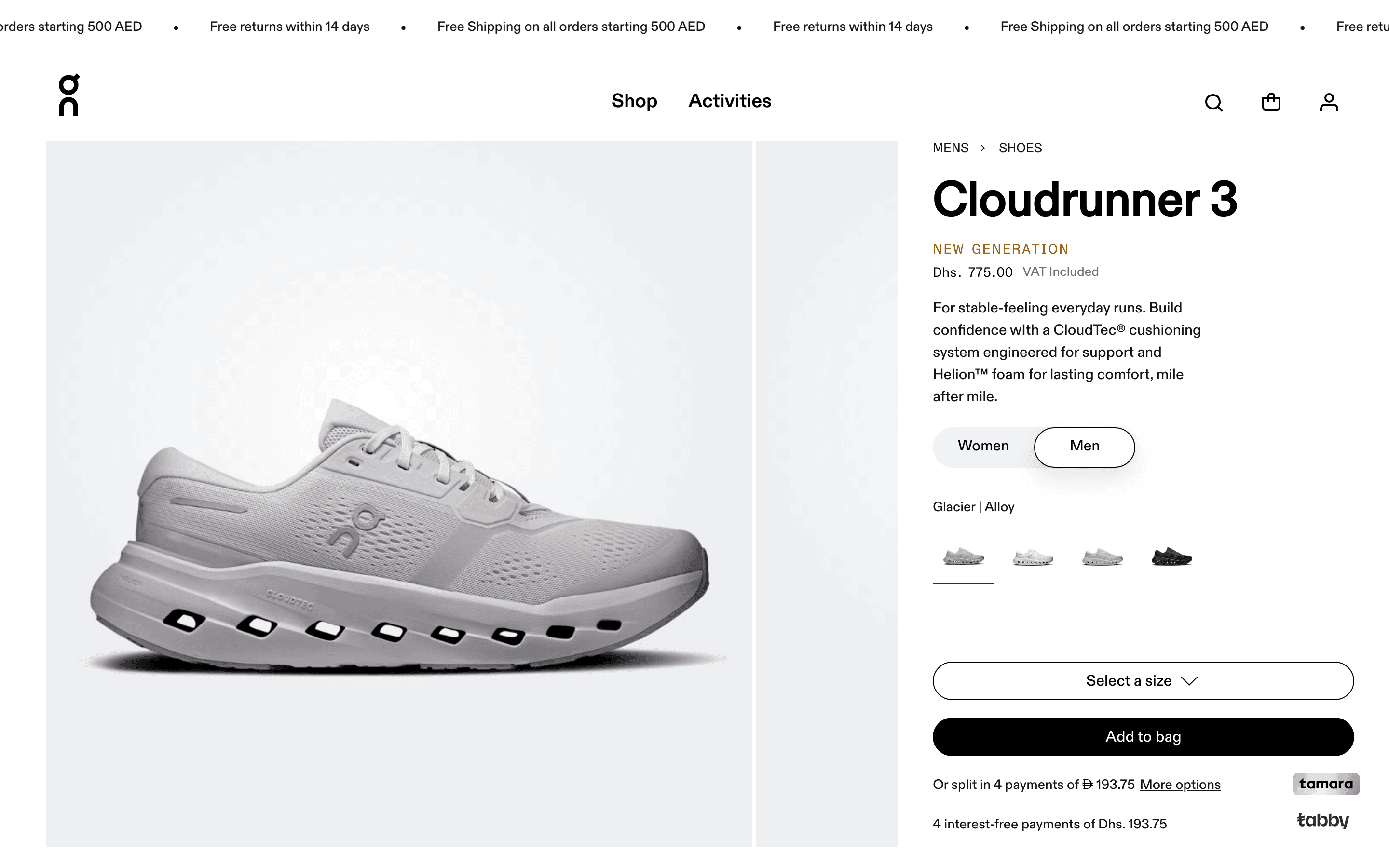
ON.AE went from kickoff to first order in 11 weeks, with a Gadget-powered middleware bridging MuleSoft ERP to Shopify Plus in real time.
Shopify Plus store for On in the UAE — launched in 11 weeks with full ERP integration
Live in 11 weeksPatchworks: For Multi-System Orchestration
Patchworks provides a pre-built Shopify connector with an authenticated connection and GraphQL endpoints that can be used in process flows. Check whether the required endpoints and mappings are available for your workflow.
When to use Patchworks: You need to connect multiple systems beyond just Shopify and your ERP. You want pre-built connectors rather than building from scratch. Your operations team needs visibility into integration health. You are running a multi-channel operation.
MuleSoft: For Enterprise Complexity
MuleSoft provides tools for connecting systems, managing APIs and monitoring integrations. If your organisation already operates MuleSoft, assess whether the Shopify integration can use that existing platform. For a new deployment, compare connector coverage, governance, operating skills and ongoing costs.
When to evaluate MuleSoft: You need shared API management and monitoring across several systems, and have a team responsible for operating the integration platform.
The Decision Framework
ERP + Shopify → Evaluate Gadget when you need custom application logic and can use its Shopify connection for authentication, data sync and webhook handling. The ERP connection and business rules still need implementation and testing.
ERP + 3PL + marketplace + marketing tools → Evaluate Patchworks when its connectors cover your systems. Check the required operations, field mappings and exception handling before estimating implementation effort.
Existing integration platform → Evaluate extending what you have. Compare a Shopify connector with a custom bridge against the existing platform and operating requirements.
Specific business rules → Compare custom middleware with configurable connectors. Include maintenance, monitoring and ownership in the decision.
What to Get Right from Day One
Regardless of which middleware you choose:
Establish a source of truth. For every data point, decide which system owns it. Inventory lives in the ERP. Prices live in the ERP. Customer profiles might live in Shopify or in the CRM; pick one and enforce it.
Version your data contracts. When the ERP team changes a field name, your integration should not silently break. Define contracts and version them so changes are explicit and testable.
ENHauto needed not just a new storefront but a first-ever SmartERP connector built from scratch. Everything above, from failure handling to source of truth, monitoring, and versioned contracts, applied directly to that project.
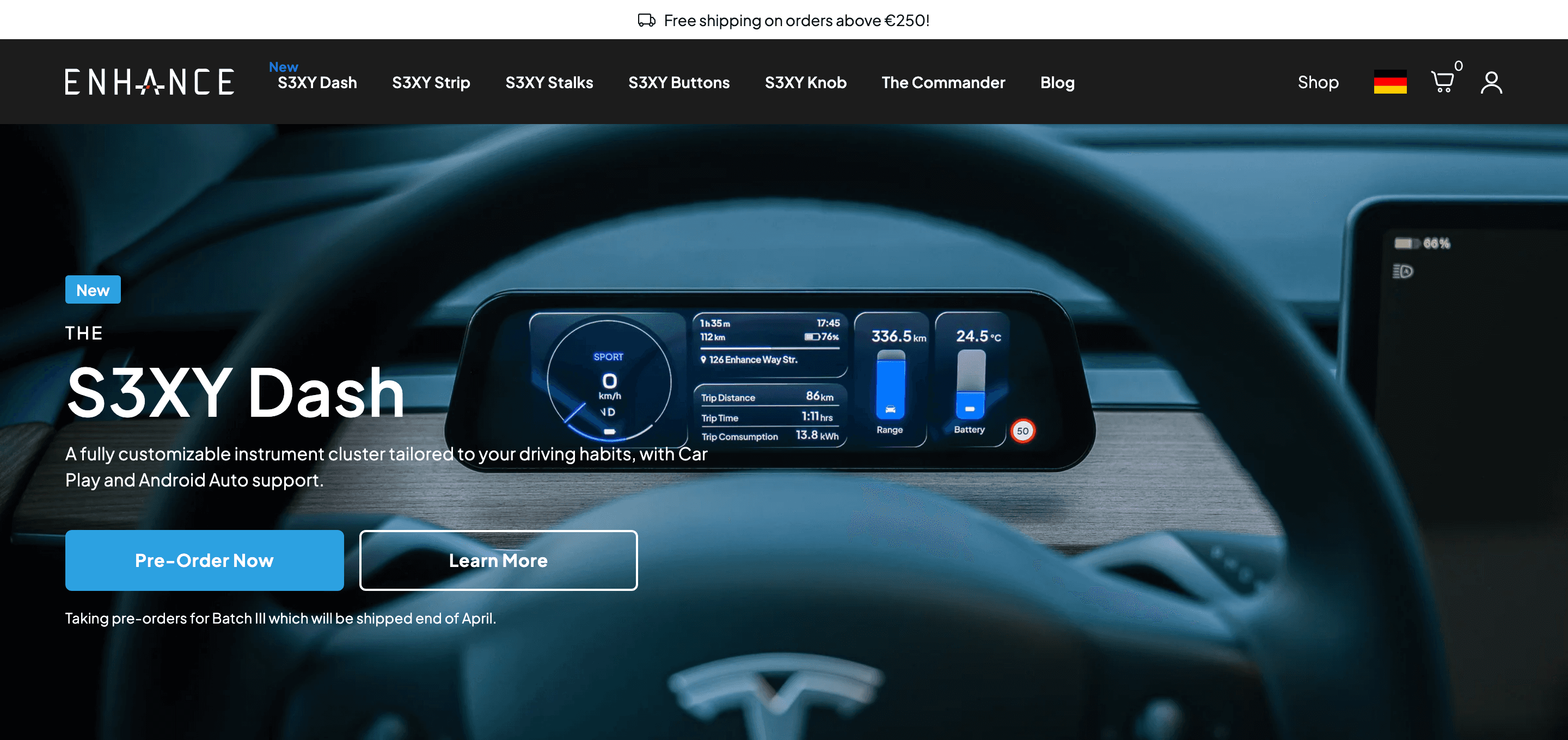
+21% conversion rate after migrating to Shopify Plus with the first-ever SmartERP integration
+21% conversion rateConnect Shopify with your systems
From data ownership to failure handling, our integration service helps define data flows, tests and ongoing operation.
Related Case Studies
Need the right middleware for your stack?
Tell us about your project. We will come back with a plan, a timeline, and an estimate.
Get in Touch